★★★★★
I've been "in a meeting" for three weeks straight. My calendar is a lie. My standing is great.
Mara K.Senior Strategist
A pocket-sized Bluetooth mouse that nudges your cursor every 25–45 seconds. Your computer stays awake. Your status stays active. No software on your machine — your OS just sees a regular Bluetooth mouse.
The list is how you get the next batch — first, and at early-access pricing.
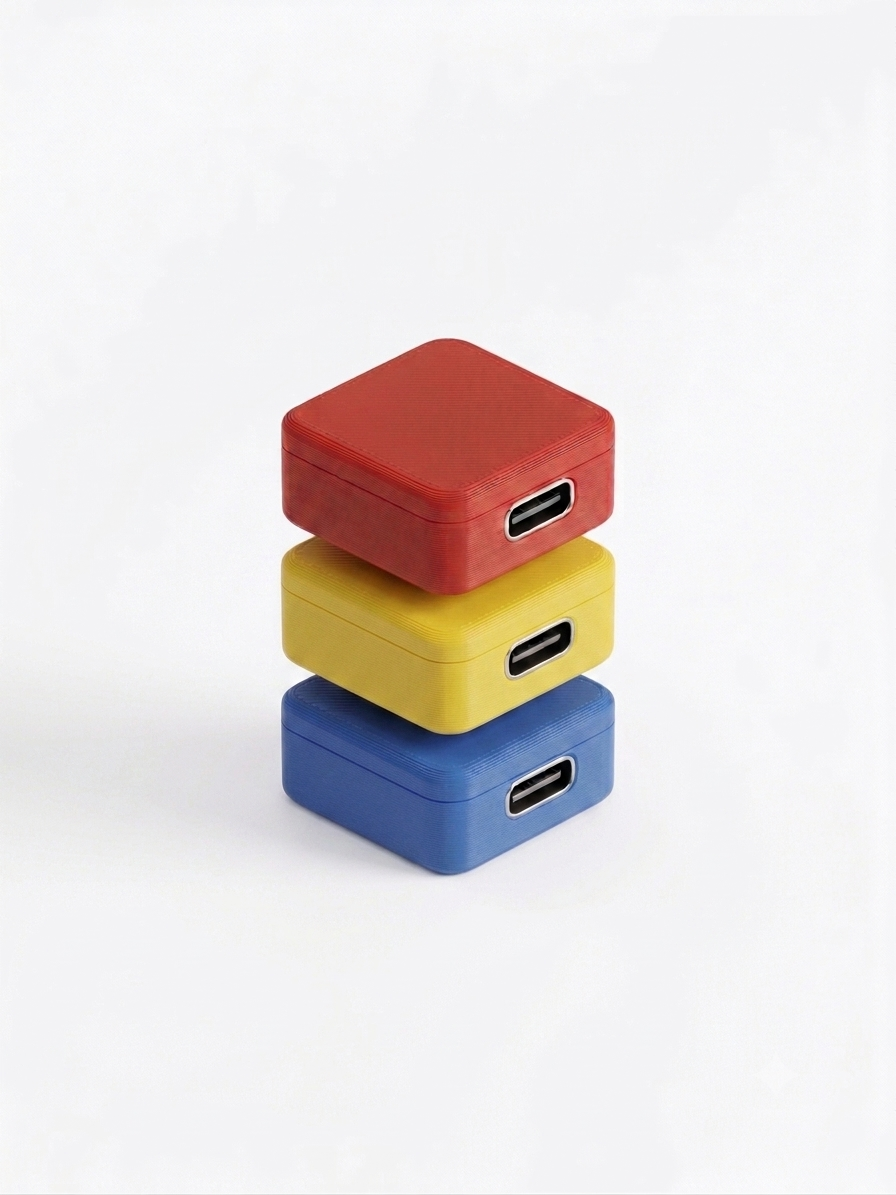
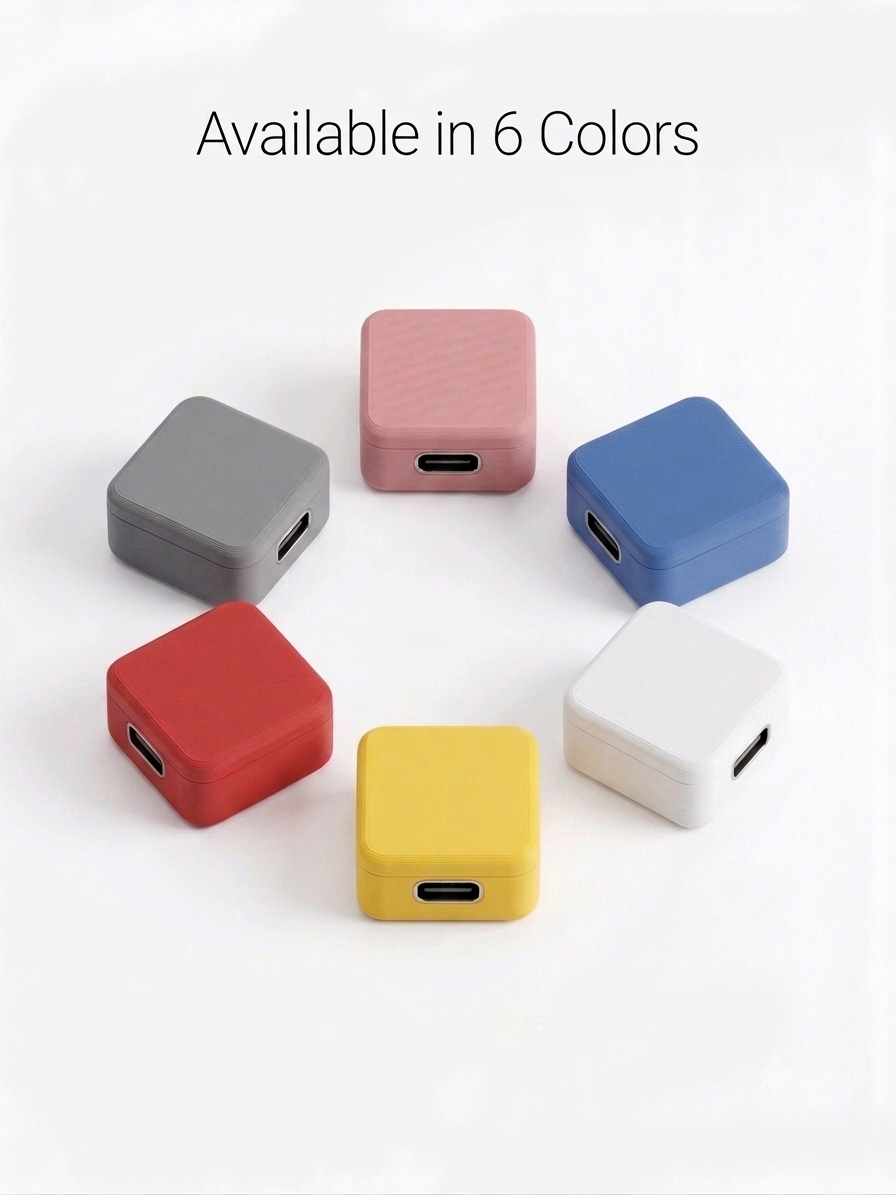
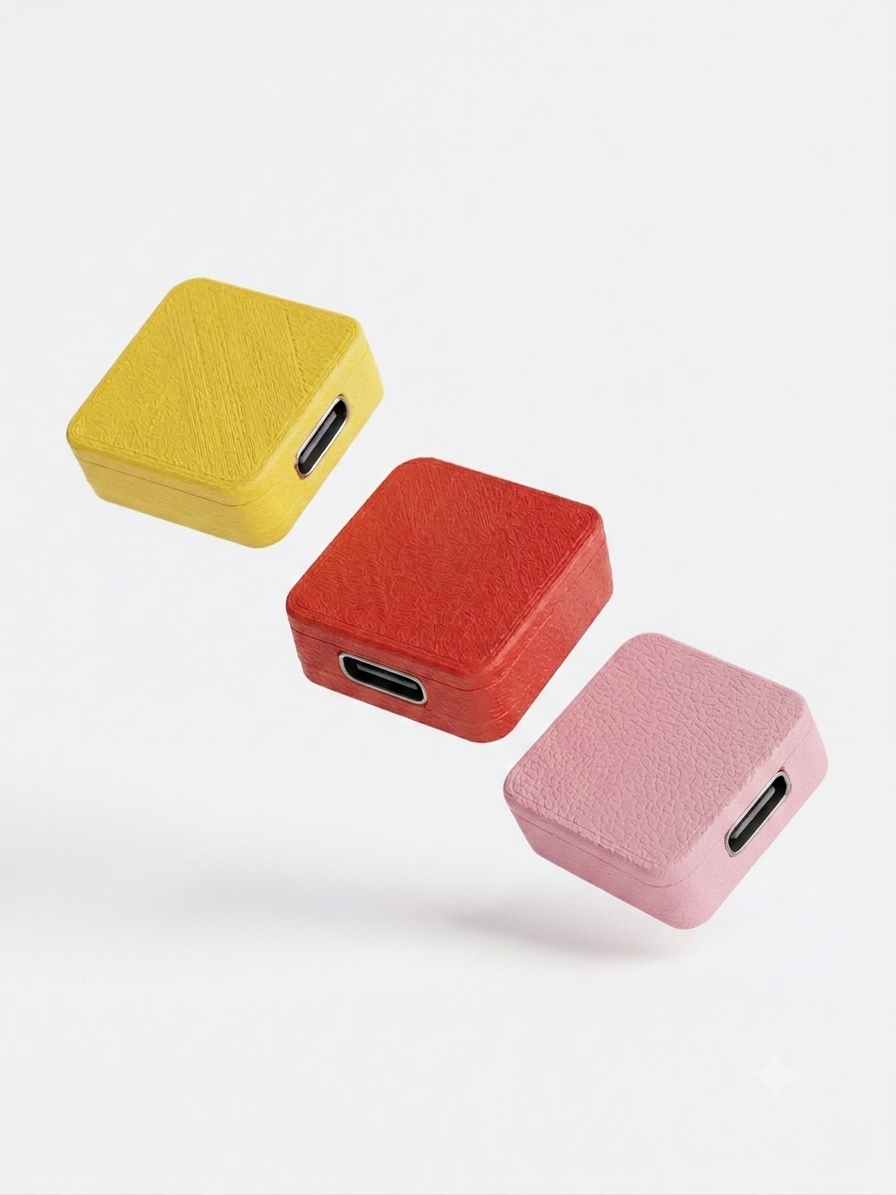
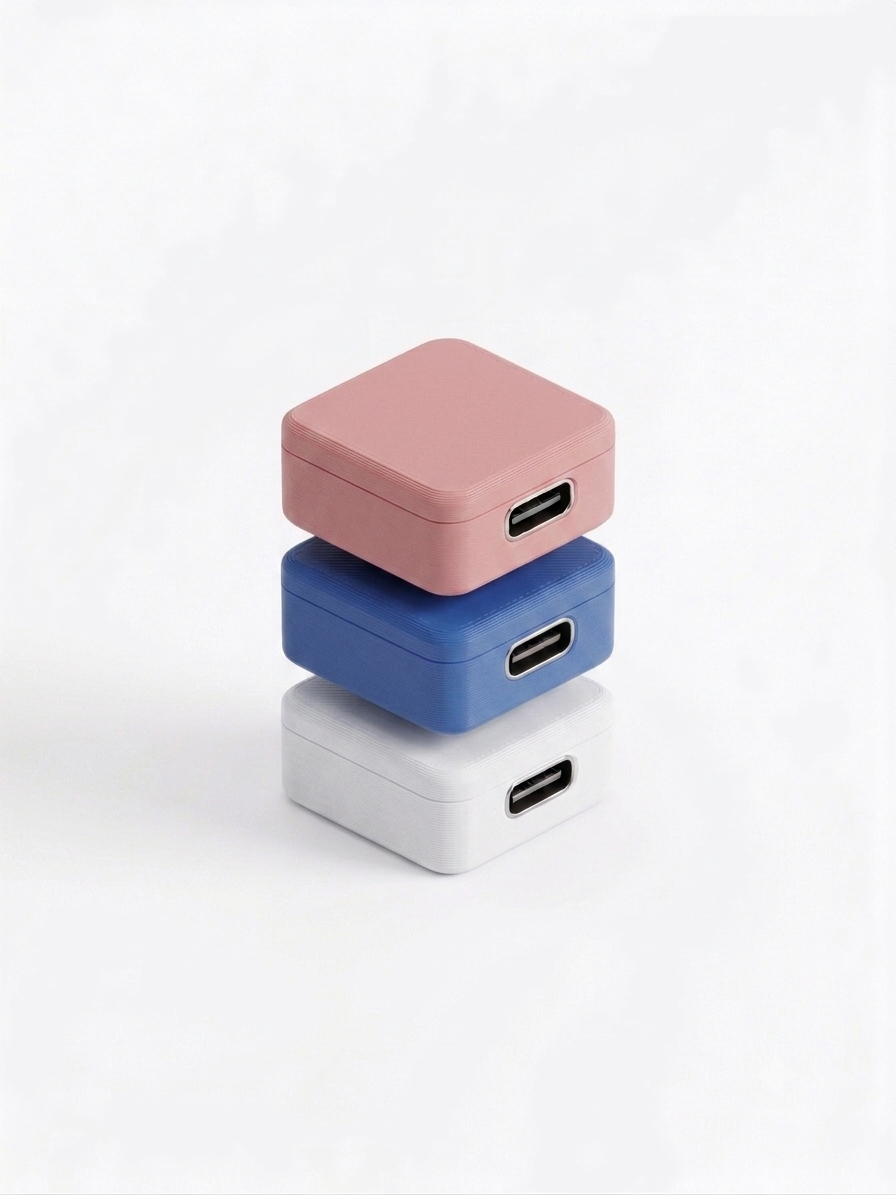
Pairs over Bluetooth like any HID mouse. No drivers. No apps. No background processes for IT to find. Mac, Windows, Linux, Chromebook, iPad — they all just see a Bluetooth mouse and shrug.
Sends a 1-pixel nudge, drift-bounded to ±3 pixels. The cursor never wanders off your screen, the OS counts it as activity, and your eyes won't even register the motion.
Each Squirm broadcasts its own Wi-Fi setup network, on at all times. Connect with your phone, retune intervals, rename it, even mid-jiggle. No app to install.
Tell Squirm to nudge for 90 minutes and stop. It keeps the connection alive — your host doesn't see a disconnect — it just goes quiet. The status LED slow-blinks to say "I'm done." Or set duration to 0 and let it run forever.
Roughly the size of a stick of gum. Small enough to live next to your charger, in your laptop sleeve, or in a desk drawer at the office you forgot you had a desk at.
USB-C to anything that gives 5V. A laptop, a phone charger, a wall wart, a battery pack.
Open Bluetooth settings, look for Squirm-XXXX, click pair. Done.
From your phone. Same network name. Password: letsquirm. The setup page pops up automatically.
Pick a name, set min/max interval, optionally set a duration. Hit save. That's it.
No companion app. No account. No cloud. No telemetry.
Want the full tour? Read the user manual →
Squirm doesn't run any software on your computer. From your machine's perspective, it's a Bluetooth mouse — the same HID profile as a Magic Mouse or a Logitech. There's nothing to detect because there's nothing installed. That said: we're firmware engineers, not lawyers. Check your employer's policy before you use one at work.
Yes. macOS, Windows 10/11, Linux, ChromeOS, even iPadOS. Anything that pairs a Bluetooth mouse will pair Squirm. We use a standard HID mouse profile and bonded LE pairing — the same flow you've already done a hundred times.
One pixel. Every 25 to 45 seconds, on average. The cursor's running offset is bounded to ±3 pixels — when it drifts to the edge of that bound, the next nudge steps back toward origin. So it stays effectively in place while still satisfying every "actual movement" check the OS runs.
Because apps require app stores, accounts, updates, permissions, and trust we don't deserve. Wi-Fi captive portals work on every device with a browser, never go out of date, and don't need your phone to talk to a server we run. Squirm is intentionally a sealed loop — your phone, the device, and that's it.
Yes — each Squirm has its own unique name, so your laptop sees them as distinct mice. Pair as many as you want. Some people run one at the office and one at home, named accordingly.
It re-pairs automatically the next time it gets power and reconnects to your computer in seconds. Your settings (name, intervals, duration) persist. Bluetooth bonds persist. The duration timer resets — that's intentional, so a power blip doesn't burn through your budget.
I've been "in a meeting" for three weeks straight. My calendar is a lie. My standing is great.
Mara K.Senior Strategist
Plugged it in once. Forgot it existed. Highest praise I give to anything with a chip in it.
Ben L.Backend Engineer
Setup took less time than waiting for the elevator. I named mine Carl. Carl works hard so I don't have to.
Devon R.Product Manager
My status hasn't gone yellow since November. My therapist asked what changed. I told her absolutely nothing.
Aisha T.Designer
Took a 90-minute lunch on a Tuesday. Nobody noticed. The little dot stayed green like a small loyal frog.
Sam J.Recovering Skeptic
Bought one. Then four more. Desk, bag, gift, backup, and one out of pure unprompted joy.
Pat M.Repeat Offender
One Squirm. One unique name. One USB-C cable. Your computer thinks you're typing. Your status stays green. Your screensaver gives up.
List members ship first and lock in early-access pricing. Rare emails, no spam.
Use responsibly. Or don't.